Your privacy is important to us. This privacy statement explains the personal data our processes, how our processes it, and for what purposes.
Personal Data We Collect
If you accept this policy, we will save your; Contact details including name, surname, email and telephone number.
How We Use Your Personal Data?
- We uses the data we collect to provide you with rich,
- Provide our products, which includes updating, securing, and troubleshooting, as well as providing support. It also includes sharing data, when it is required to provide the service or carry out the transactions you request.
- Improve and develop our products.
- Personalize our products and make recommendations.
- Advertise and market to you, which includes sending promotional communications, targeting advertising, and presenting you with relevant offers.
- We also use the data to operate our business, which includes analyzing our performance, meeting our legal obligations, developing our workforce and doing research.
- You provided to send you marketing communications about similar our products or services, where permitted by applicable law.
Other Important Privacy Notices
You can find more information on our commitment to protecting your privacy at Privacy Policy.

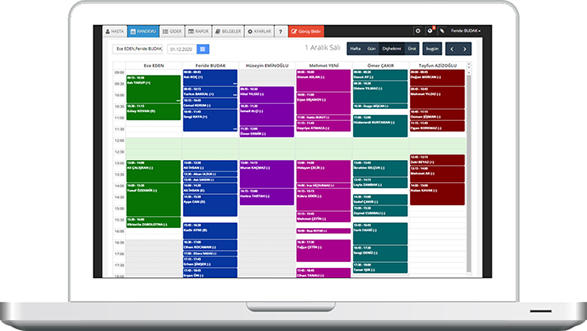
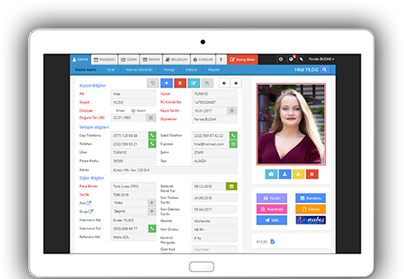
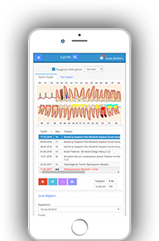








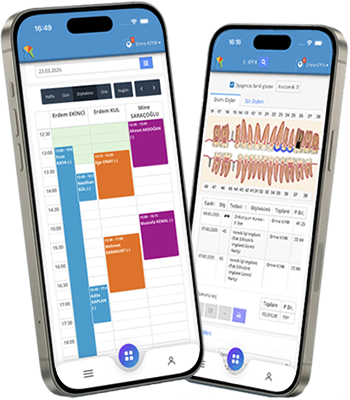













Diagnoz girilirken dişlerin seçimi çoklu yapılabilmeli. Hasta total dişsiz tüm dişlere tek tek kayıp diş giriyoruz örneğin işlem kalabalığı oluyor. Kayıp dişe tıklayınca tedavi kısmında kron seçeceğinde olduğu gibi ağız açılmalı tıklamayla tüm kayıp dişler işaretlenebilmeli. Tüm diagnoz işlemleri için bu şekilde olması gerekiyor.
Diyagnozda tüm çeneyi kayıp diş olarak göstermek için diyagnoz listesindeki "KRET"i kullanabilirsiniz.